Changelog

Follow new updates and improvements to Typa.

🚀 Join content calls on your phone, straight from Slack 📞
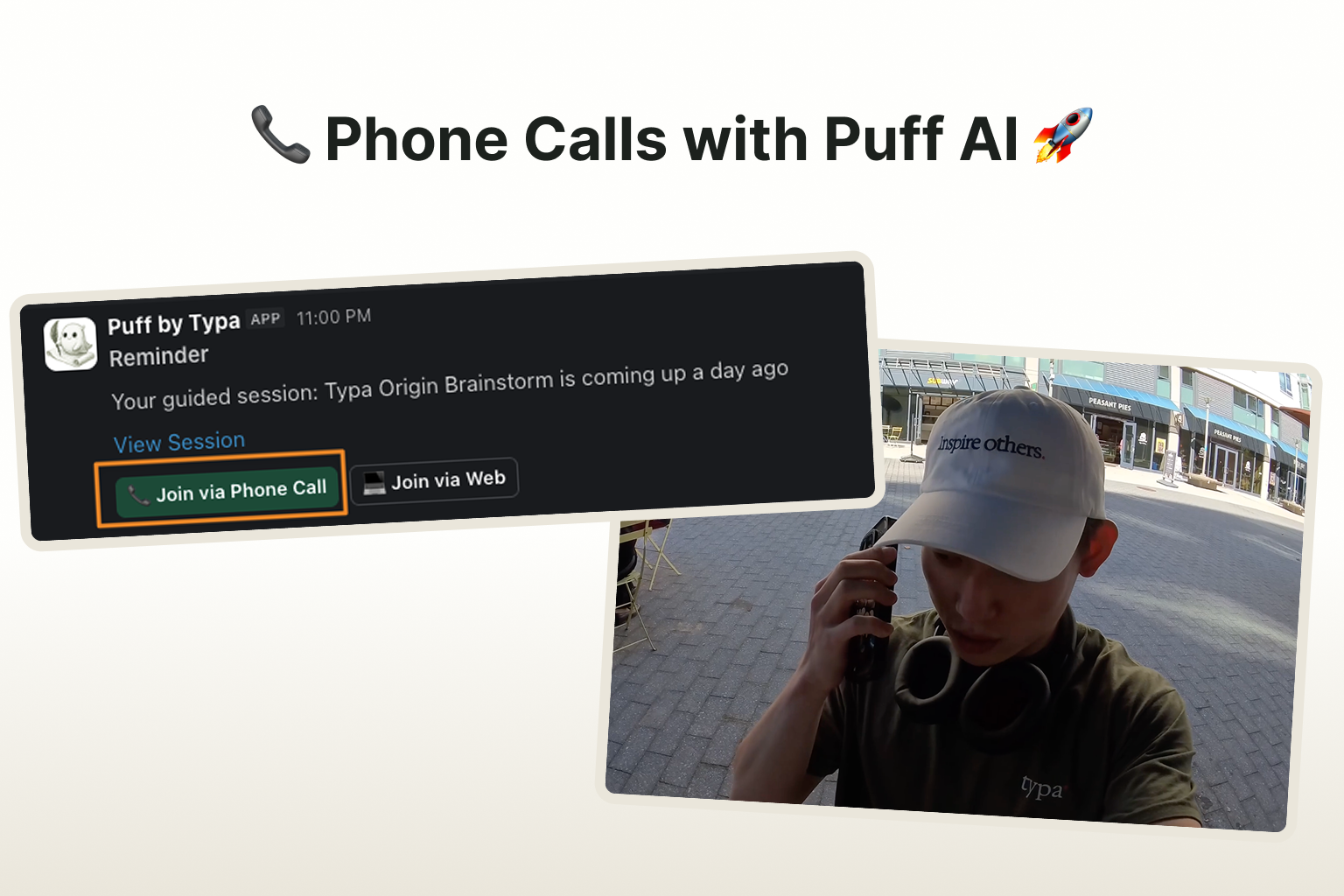
You can now join content sessions with Puff straight from Slack.

In the session, Puff will ask you questions relevant with the following week's post topics. You can jump on the call whenever you feel like it and even on the go! Each call will take around 10~15 minutes.

To enable this feature, please take 1 minute to configure the following:

  1. Connect your personal Slack account with Typa here: link
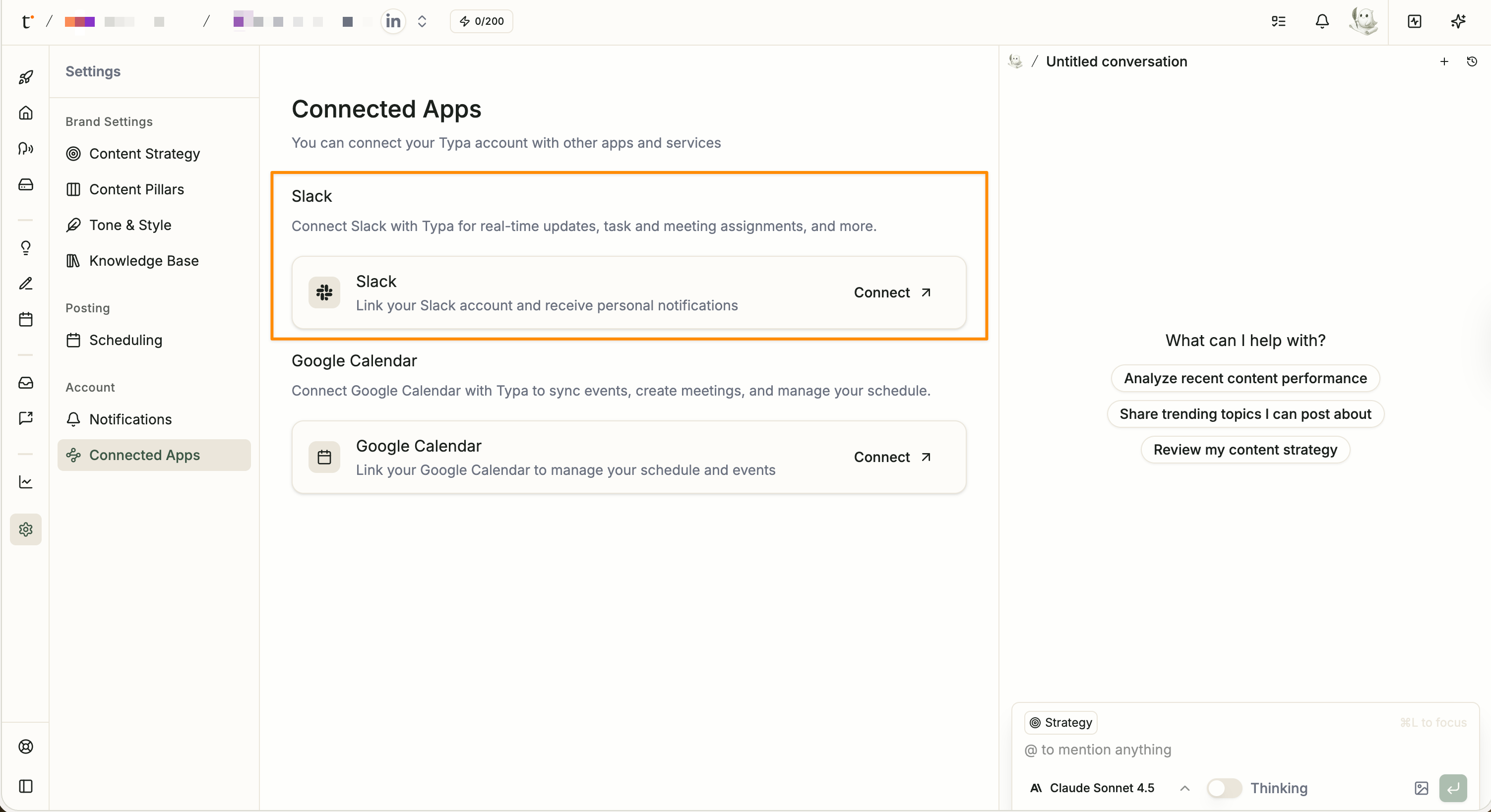
  1. Add a phone number to your Typa account

  1. When we have a session prepared, Puff will send you a Slack DM. Click on the "Join via Phone Call" button, and Puff will call you in under a minute.

---

If you're curious to learn more, feel free to check out

👉 LinkedIn Post: link

👉 X Post: link

👉 Youtube Vid: link
New

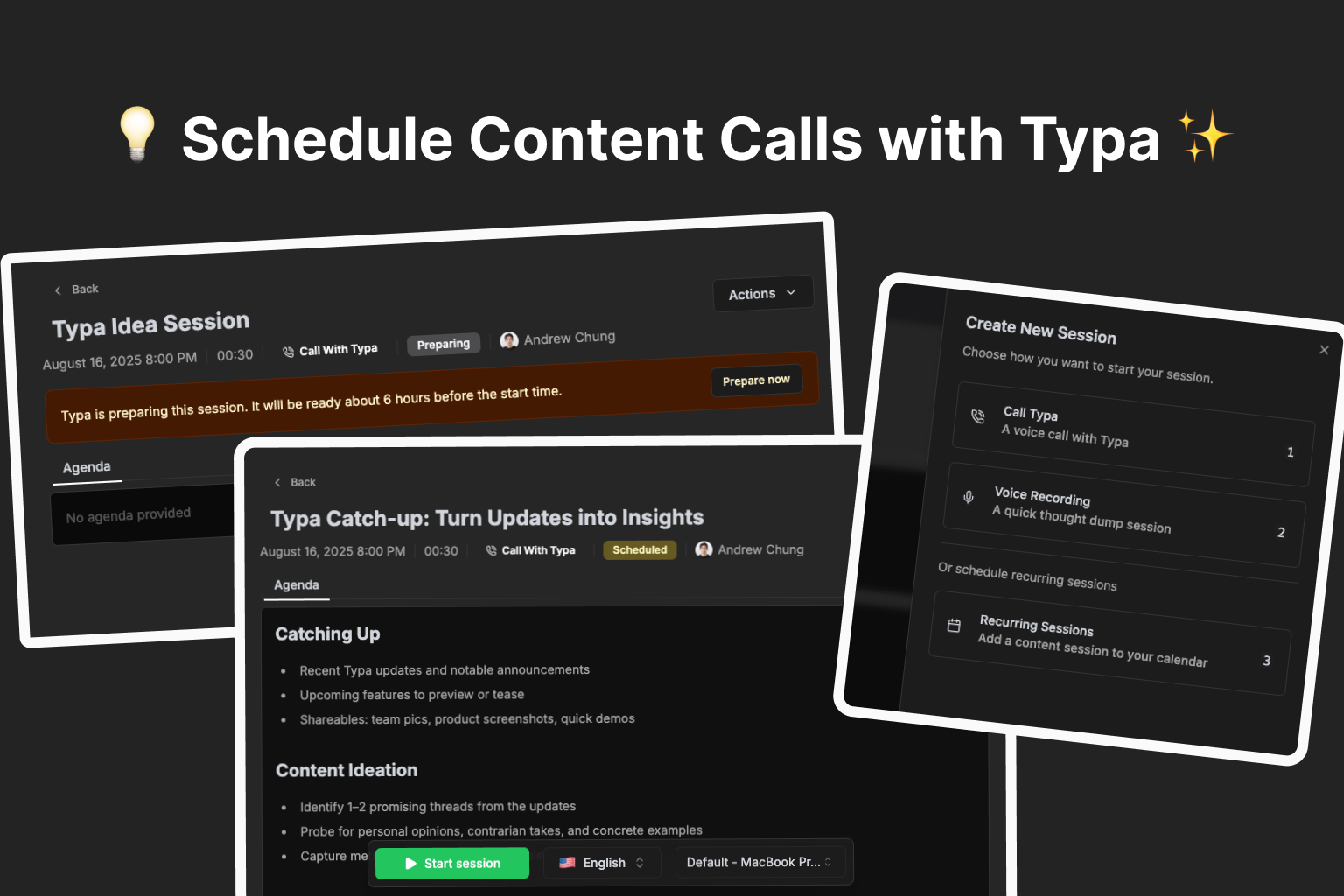
🚀 New in Typa: Recurring Content Calls

Content creation just got way easier.

You can now schedule recurring content calls with Typa — and let us do the heavy lifting. ✨

📅 Never run out of ideas again

Set a schedule and tell Typa what you want to talk about — trending topics, personal stories, or industry insights.

Before each call, Typa will:

  • Review your recent posts

  • Research fresh trends in your niche

  • Craft a personalized agenda

🎥 See how you can set up a recurring content session


🎙 Talk, we’ll turn it into content

Hop on a call (or record a quick voice note) and share your thoughts naturally.

In just minutes after the call, Typa transforms your ideas into ready-to-post content.

🎥 Watch a real content call in action—from conversation to post ideas


⏱ Always ready when you are

Every 15 minutes, Typa checks your schedule and preps for the next session.

Want to start early? Hit Prepare now and Typa will be ready in about a minute.


Why you’ll love it:

✅ Stay consistent without the stress

✅ Always have something relevant to say

✅ Turn conversations into post ideas in minutes

New

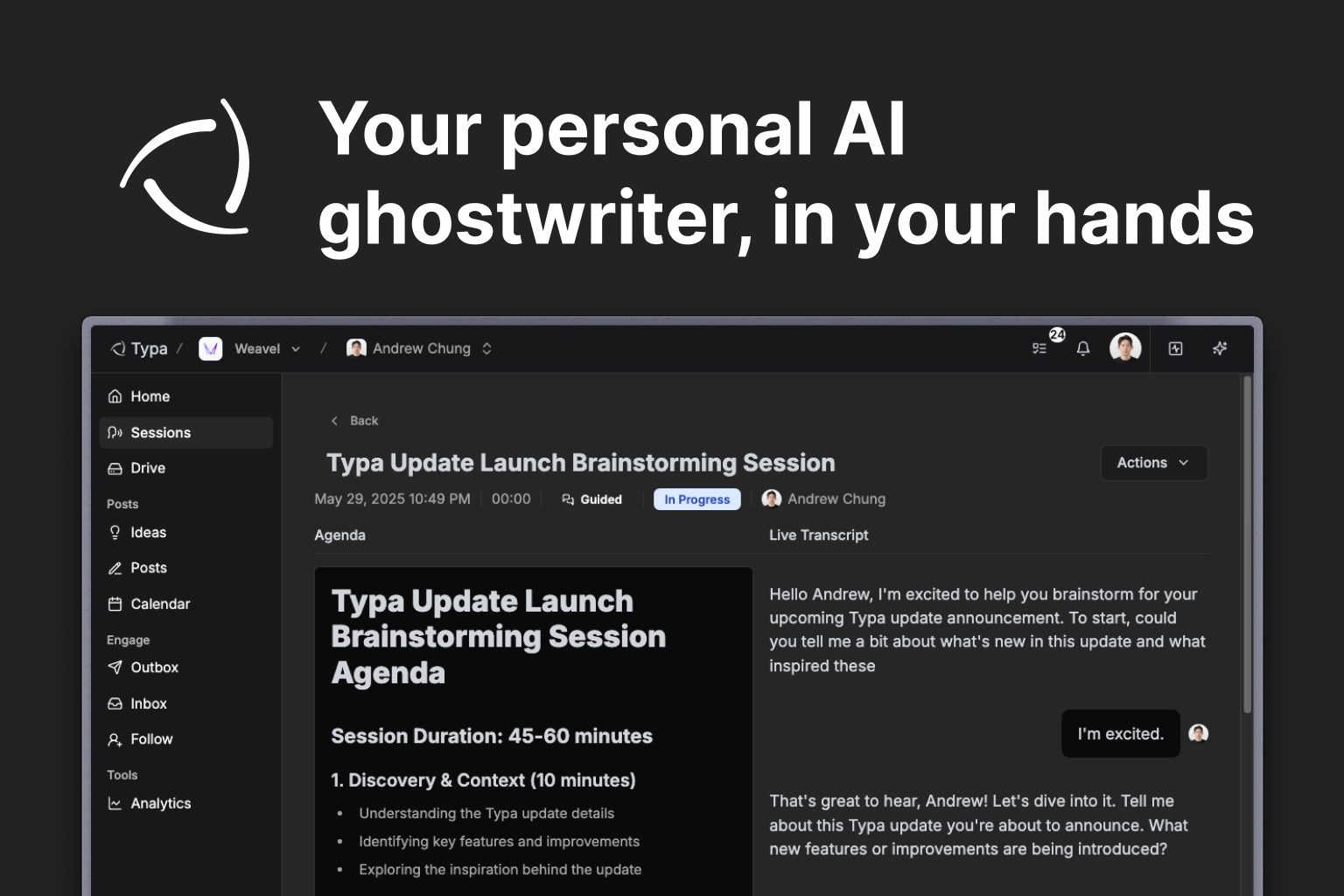
📢 Your personal AI ghostwriter, in your hands

We built a smarter, more proactive agent to manage your social posts - and we're giving you full control.

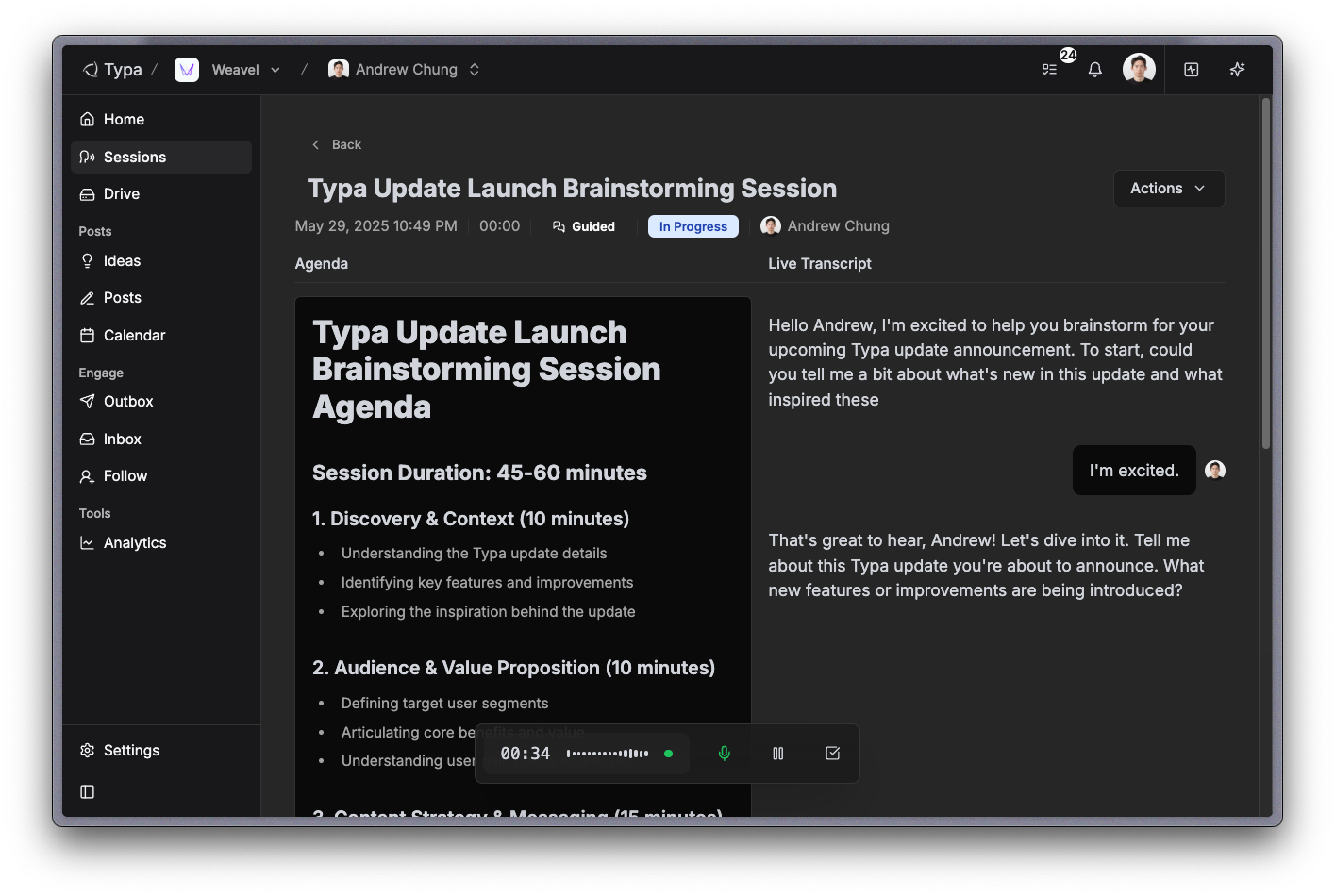
Sessions 🗣️

  • Guided sessions: Create guided sessions on recent topics (e.g. Google I/O) that you can talk about - Typa will do research then chat with you on the topic.

  • Solo sessions: Create solo sessions when you feel like doing a thought dump - just talk away by yourself!

  • Once a session is completed, Typa will automatically start crafting post ideas, which will take around a minute to complete.

Go to sessions

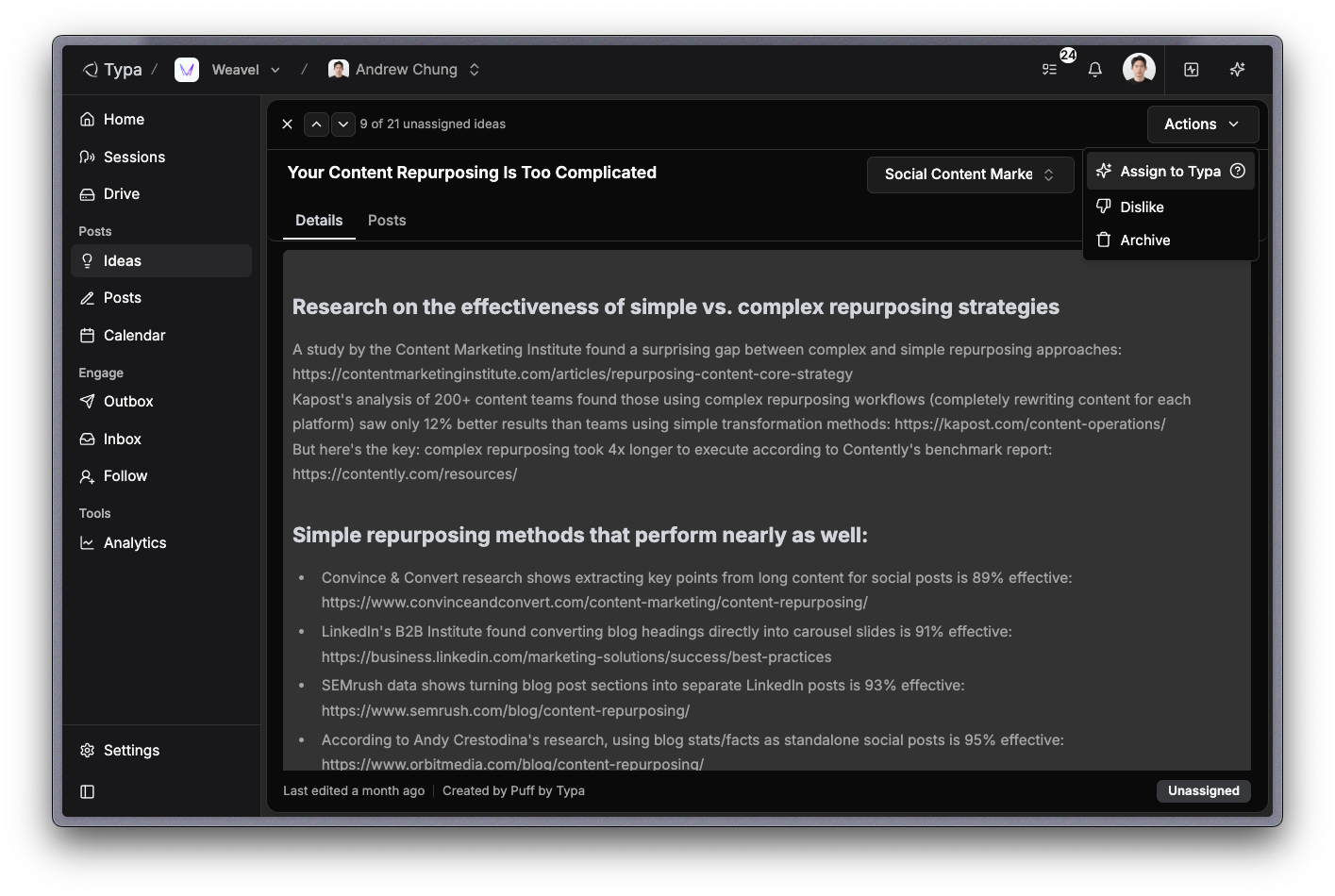
Ideas 💡

  • We redesigned the ideas page for better readability and easier navigation.

  • Click Actions > Assign to Typa to prompt Typa to start writing a post draft.

Go to ideas

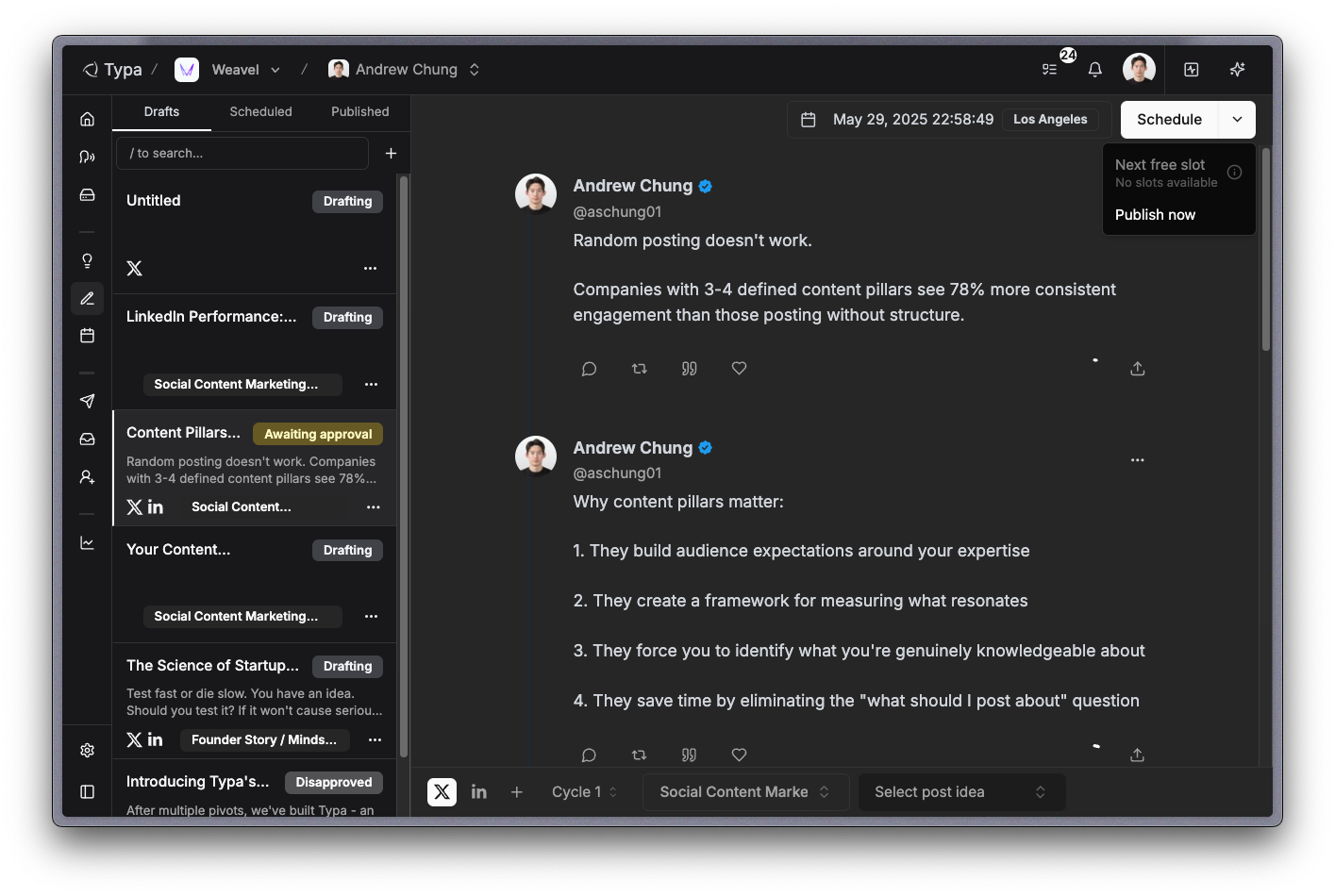
Posts ✍️

  • We redesigned the posts page for better readability and navigation between posts.

  • Click "Publish now" to publish the post immediately, or "Next free slot" to schedule the post to the next free slot from your availability settings.

Go to posts

Typa Chat 💬

  • Open chat by pressing "⌘ + ." or clicking on the toggle button on the top right corner.

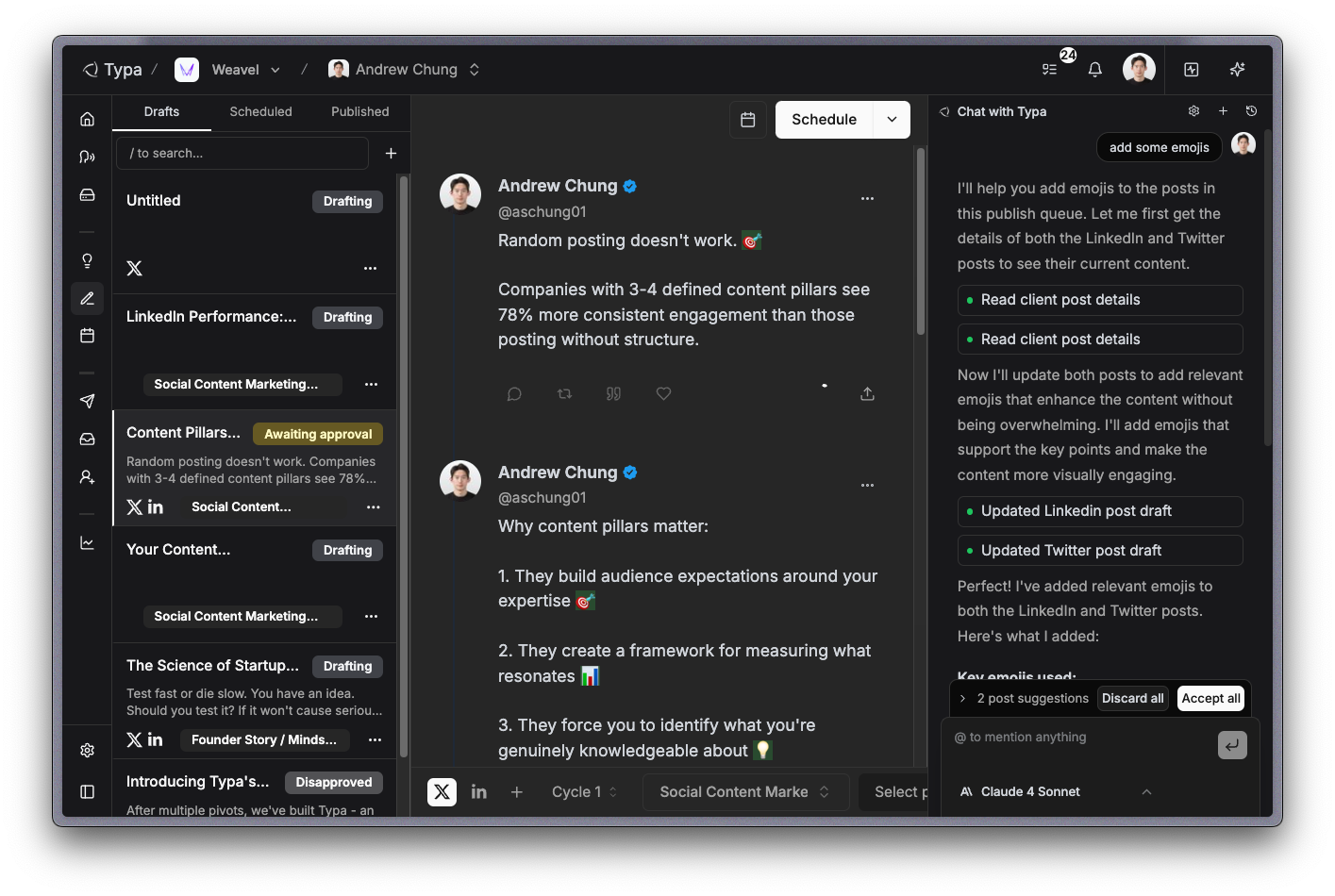
  • Equipped with various useful tools, Typa can create post ideas, new drafts, update drafts, and more.

Drive 💾

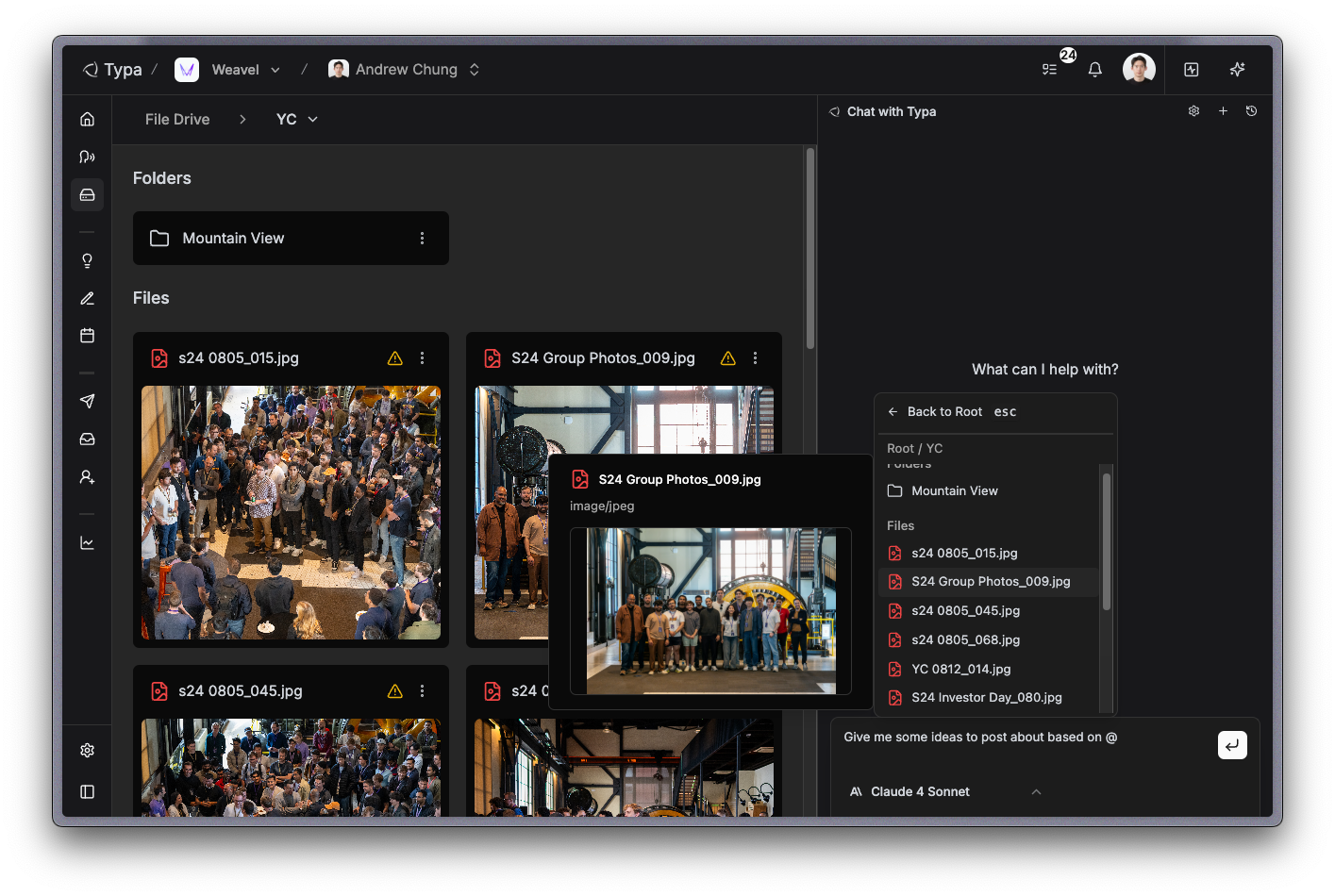
  • Upload files of any format (image/audio/video/text) and mention them in Typa chat to create post ideas and drafts.

  • Even videos and audio longer than an hour are processed accurately - easily create multiple posts from existing content!

Go to drive

Typa activity 

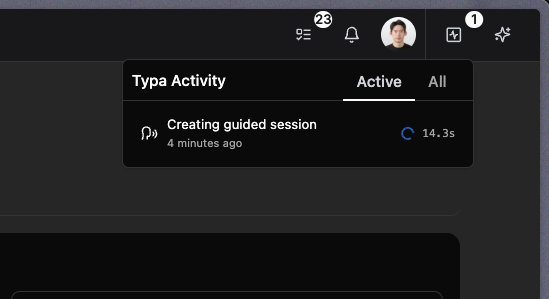
  • You can view Typa's progress in real-time by clicking on the button right to your profile.

  • Once Typa is done working on something, the output will be ready for your review - and you can track them in real-time by clicking on the tasks button on the left of notifications.

That's it for now! All early customers of Typa have unlimited free access to all features before further notice. Any feedback and bug reports are welcome 😊

NewImproved