October 30th, 2025
New
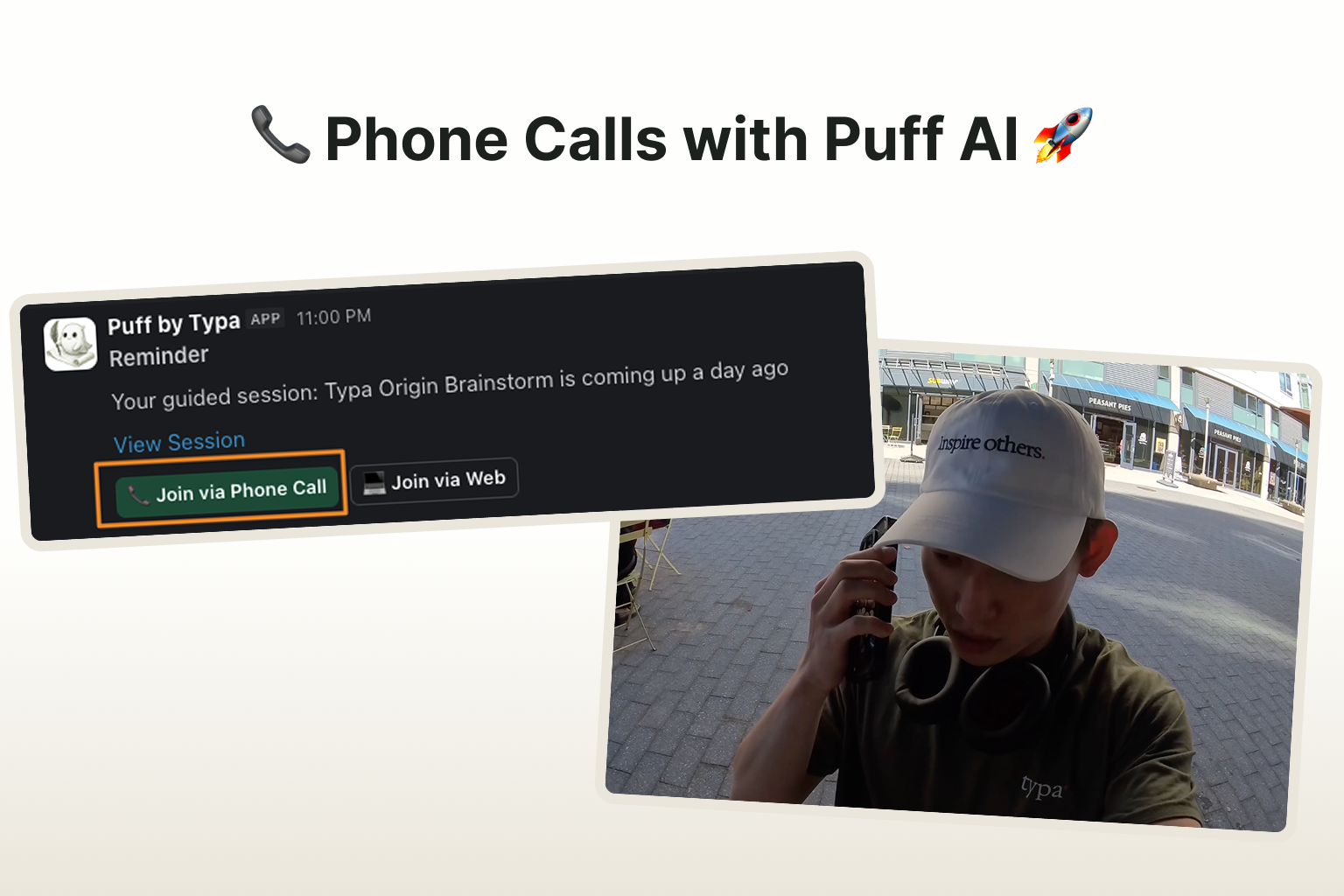
You can now join content sessions with Puff straight from Slack.
In the session, Puff will ask you questions relevant with the following week's post topics. You can jump on the call whenever you feel like it and even on the go! Each call will take around 10~15 minutes.
To enable this feature, please take 1 minute to configure the following:
Connect your personal Slack account with Typa here: link
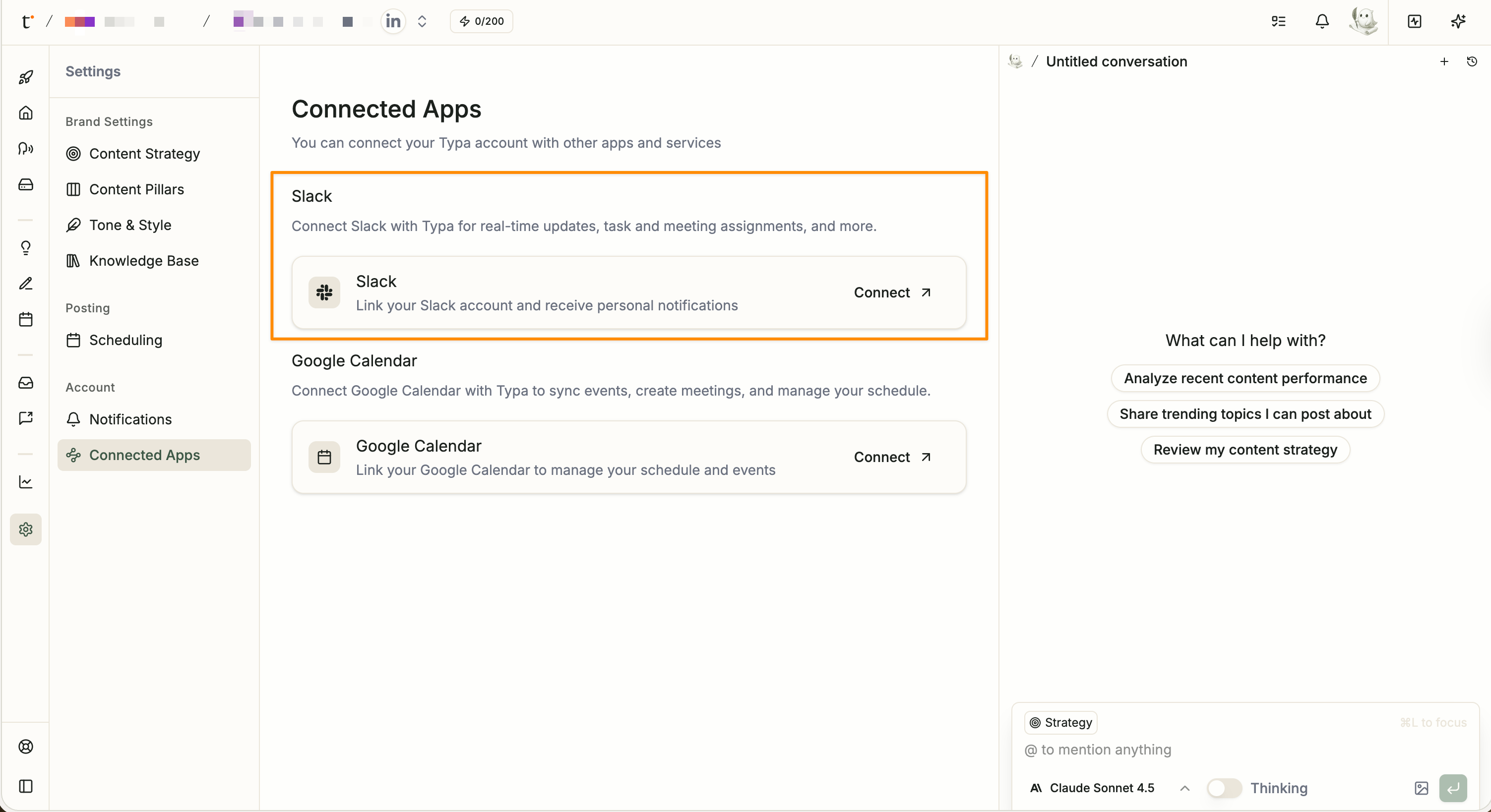
Add a phone number to your Typa account
When we have a session prepared, Puff will send you a Slack DM. Click on the "Join via Phone Call" button, and Puff will call you in under a minute.

---
If you're curious to learn more, feel free to check out
👉 LinkedIn Post: link
👉 X Post: link
👉 Youtube Vid: link
August 14th, 2025
New
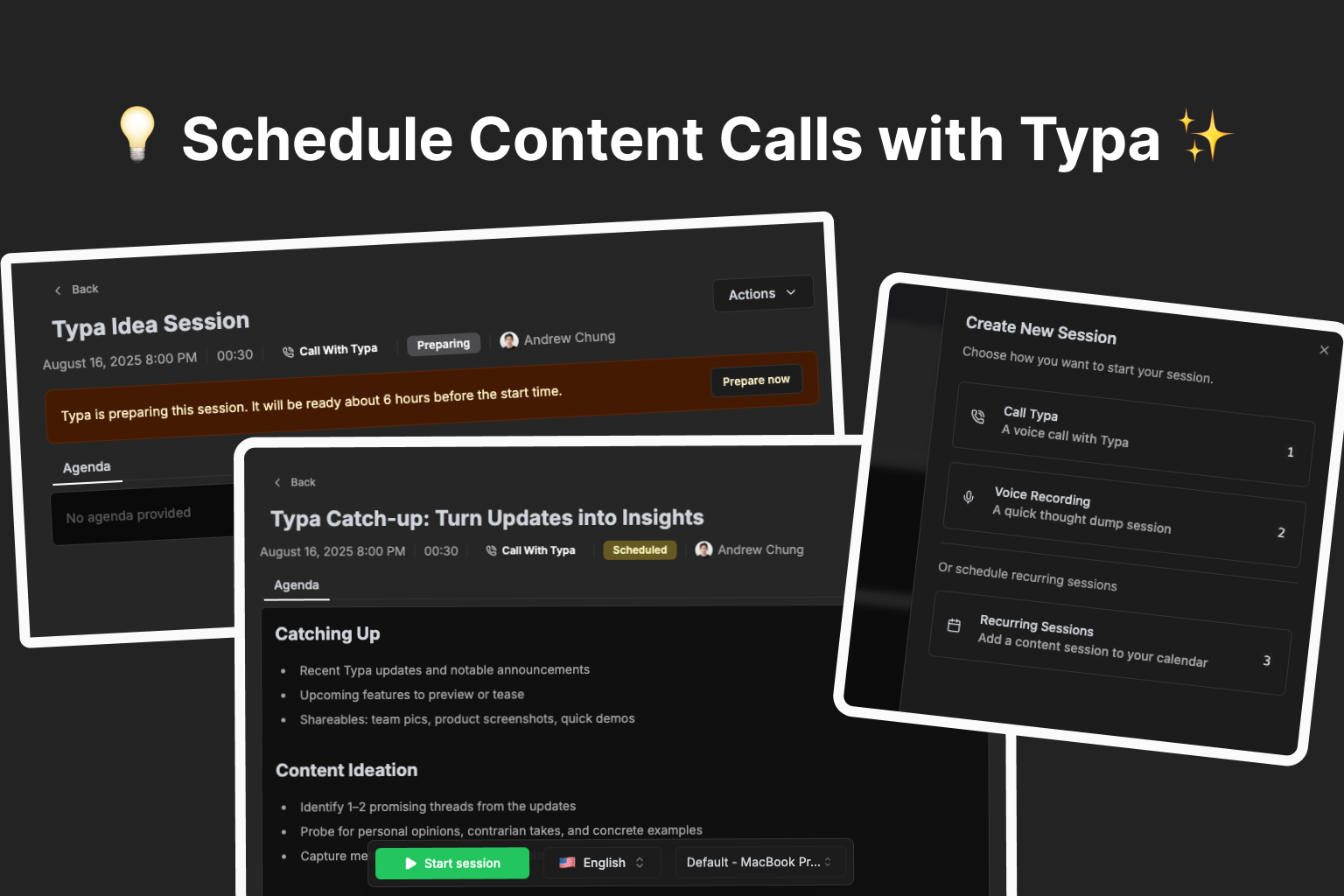
Content creation just got way easier.
You can now schedule recurring content calls with Typa — and let us do the heavy lifting. ✨
📅 Never run out of ideas again
Set a schedule and tell Typa what you want to talk about — trending topics, personal stories, or industry insights.
Before each call, Typa will:
Review your recent posts
Research fresh trends in your niche
Craft a personalized agenda
🎥 See how you can set up a recurring content session
🎙 Talk, we’ll turn it into content
Hop on a call (or record a quick voice note) and share your thoughts naturally.
In just minutes after the call, Typa transforms your ideas into ready-to-post content.
🎥 Watch a real content call in action—from conversation to post ideas
⏱ Always ready when you are
Every 15 minutes, Typa checks your schedule and preps for the next session.
Want to start early? Hit Prepare now and Typa will be ready in about a minute.
Why you’ll love it:
✅ Stay consistent without the stress
✅ Always have something relevant to say
✅ Turn conversations into post ideas in minutes
August 6th, 2025
Improved
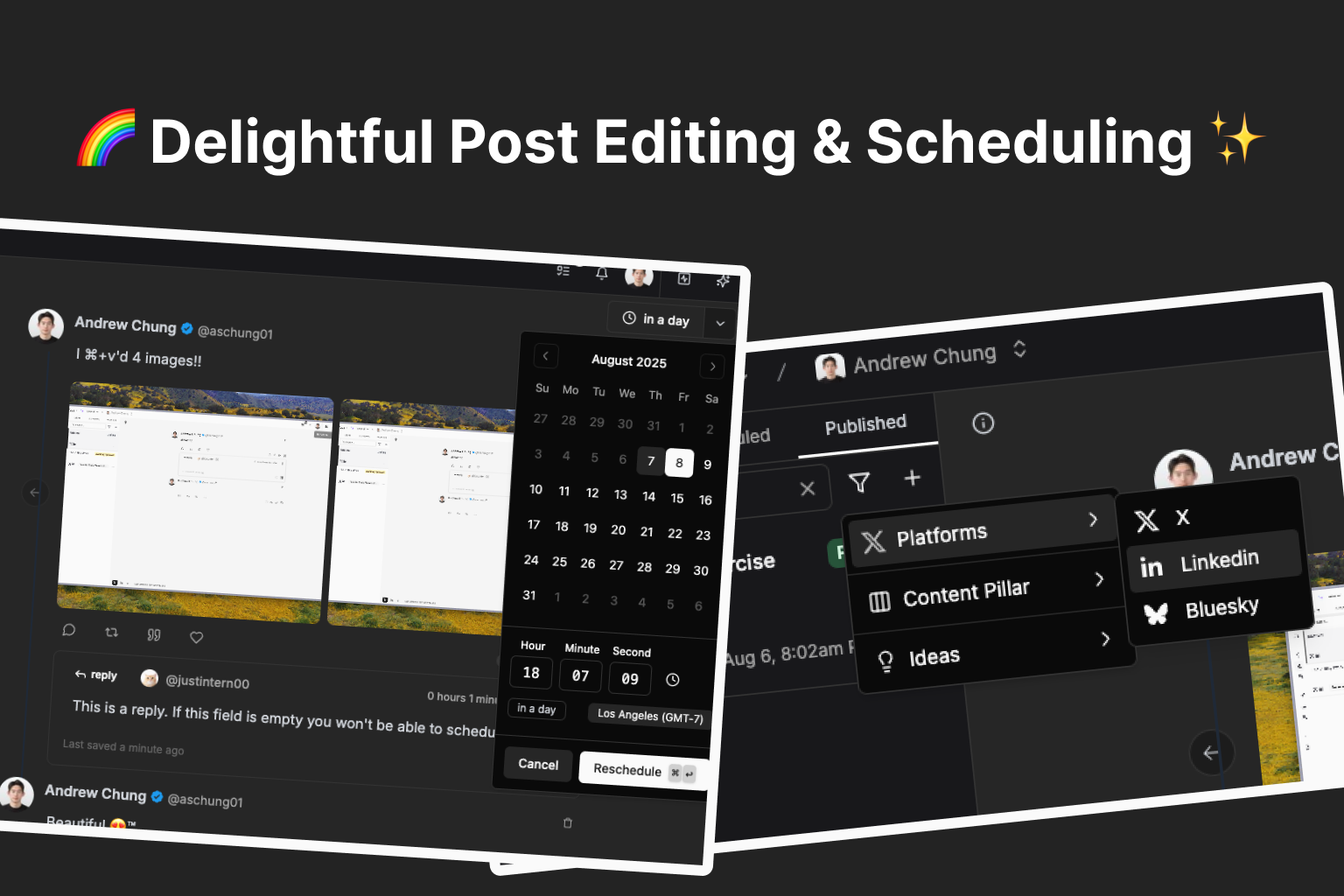
We made posting more easier and efficient. (and fixed a ton of bugs º🐛)
Improved scheduling UI & added rescheduling support
We revamped the post scheduling UI and added support for rescheduling posts.
We moved the datetime picker into a popover that opens when clicking on the Schedule button.
Now you can reschedule posts without unscheduling them first!
Once a post is scheduled, we display the relative time when it’ll be posted on top right button. Click on it and you’ll see the datetime picker popover, where you can update the time and reschedule.
Added filters to posts sidebar, improved search
We added filters to the posts sidebar! You can filter posts by platform, content pillar, and post idea.
We improved search performance, — now you can search based on post title, content pillar, and post content.
Improved auto-interaction editor UI
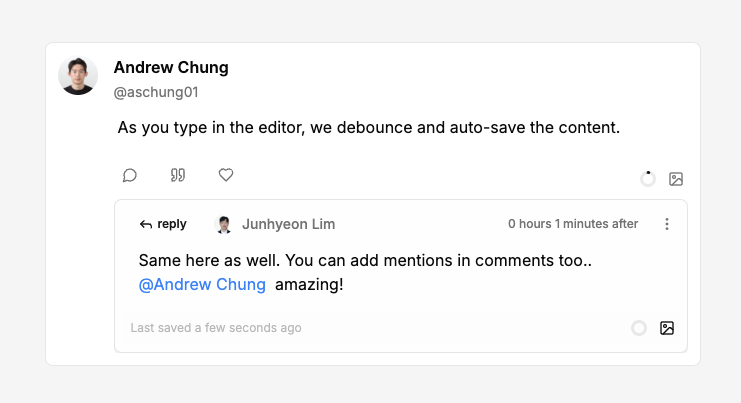
Content validation before scheduling
We added validation logic to ensure whether mentions are properly formatted for each platform, and if all auto-interactions has valid content. The schedule button will be disabled when invalid content is detected.
We fixed a small bug where auto-interactions weren’t being deleted when the parent thread was deleted.
Other minor bug fixes & improvements
You can now attach media to posts by just pasting (
⌘+v) image/videos into the post editor!
When you try to attach media over the platform’s supported limit or unsupported media types, we block it and show you an error toast.
We fixed a bug where media uploaded to posts didn’t show properly before refreshing.
July 30th, 2025
Improved
🔧 Improved
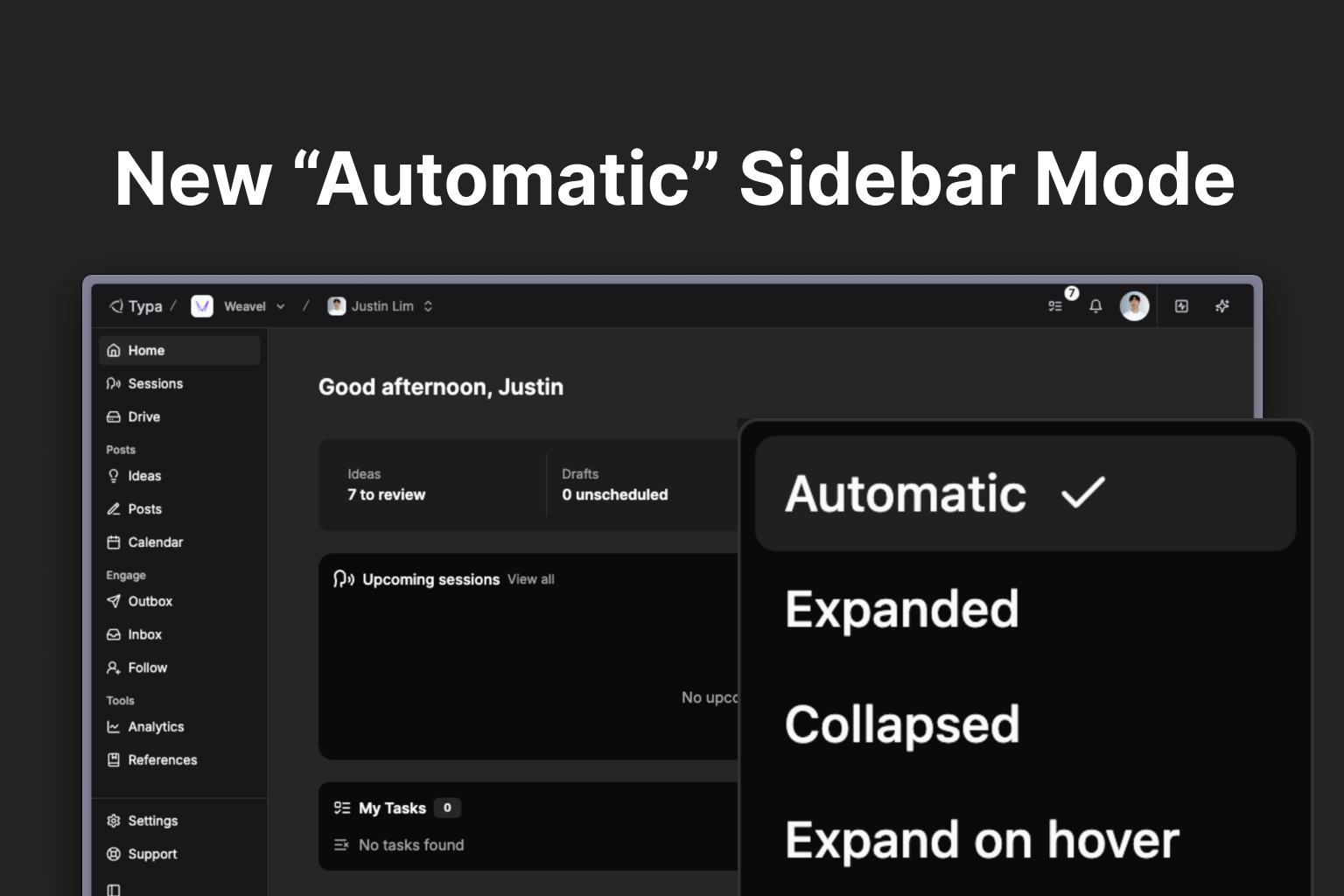
New “Automatic” mode with pre-configured sidebar behavior
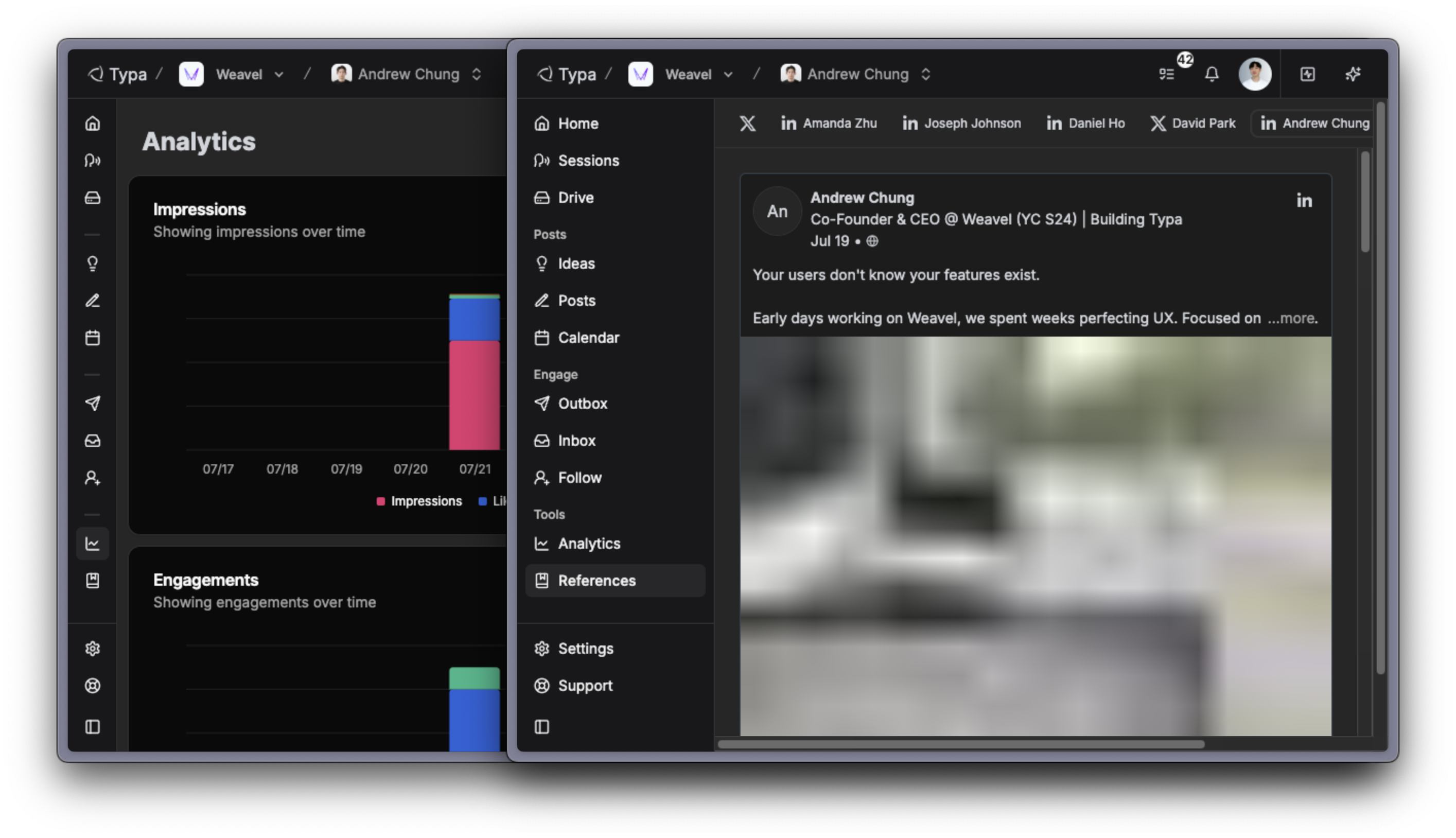
The “Automatic” mode now comes with default sidebar behavior tailored to each page, optimized based on its content width.
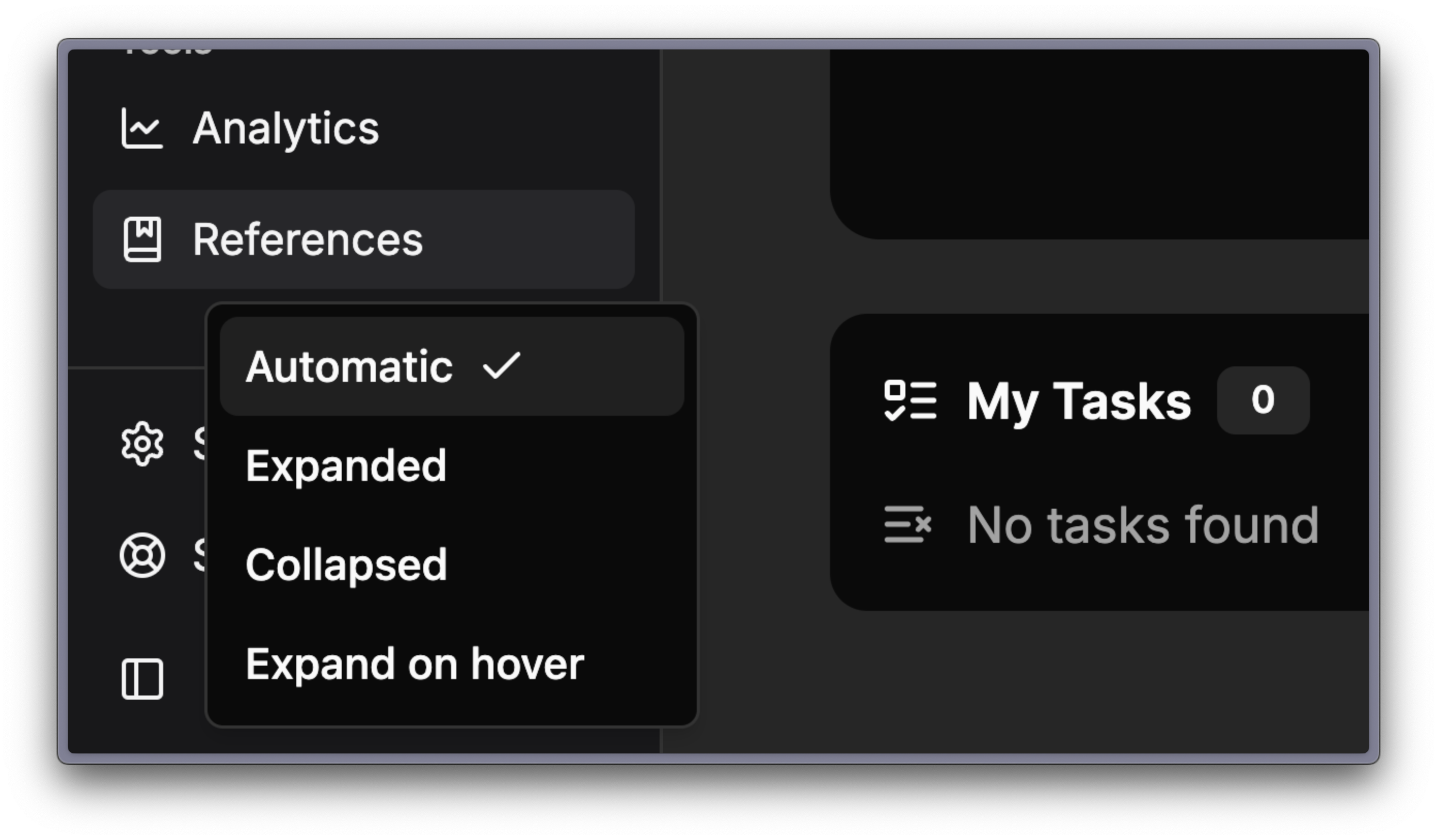
You can switch sidebar modes from the bottom left corner of the sidebar.
July 20th, 2025
Improved
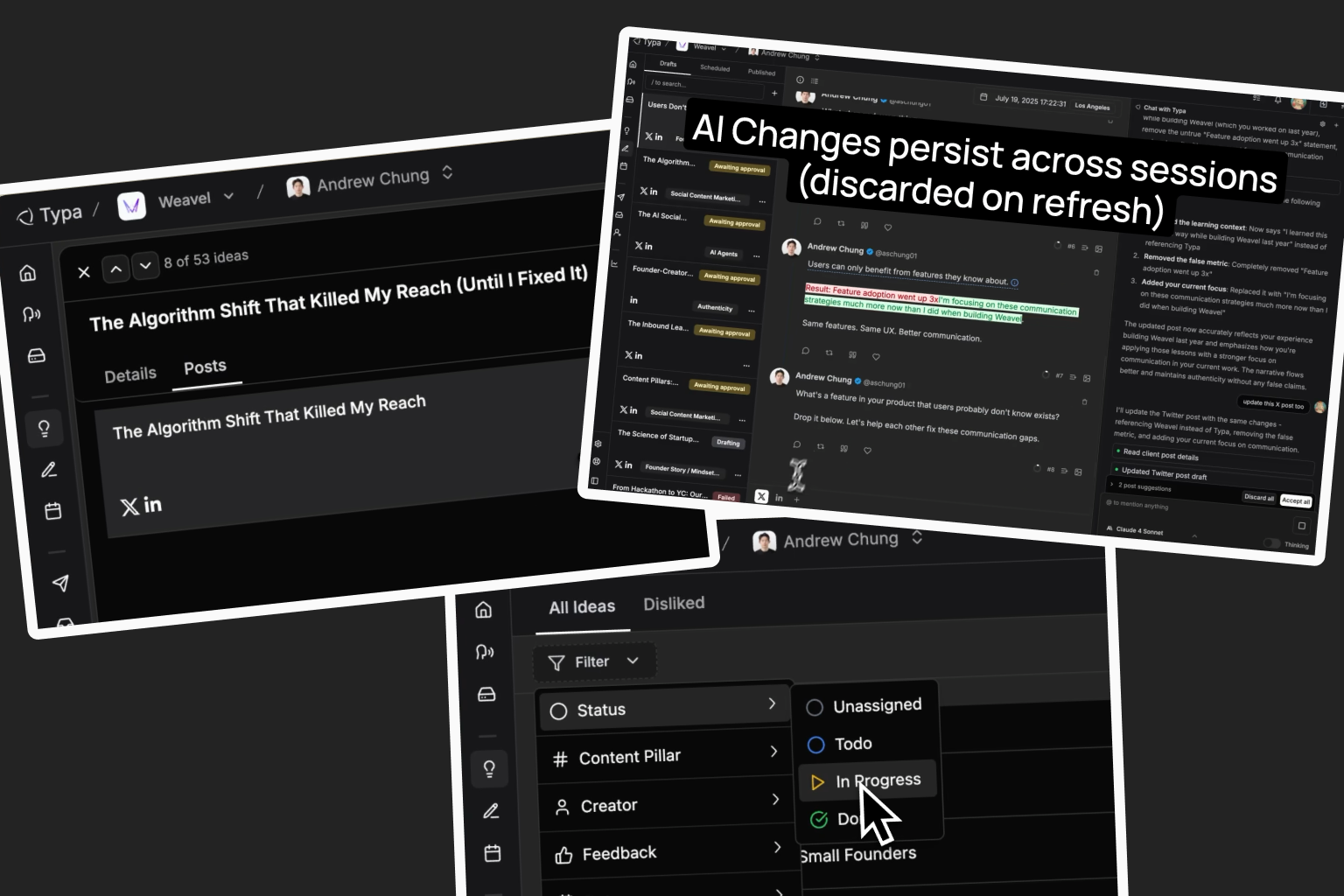
Three updates to make content management less painful.
Post Idea Filters
We removed the "Unassigned Ideas” tab, and you can now filter your post ideas instead of scrolling through everything.
Better Idea-to-Post Navigation
We connected post ideas to their actual drafts.
What's New:
Posts Tab - Each idea now has a "Posts" tab showing all related drafts. Click any draft to navigate to view in the post editor.
Idea Status - An idea is set to “In progress” if there is an active draft, and “Completed” when a related draft was published.
Improvements & Bug Fixes to AI Chat
The chat interface got smarter about helping with content edits.
What's New:
Persistent Changes - AI edits stay active during your session (discarded on refresh)
Multi-Platform/Post Updates - AI can suggest changes to multiple posts/platforms, and all edits are preserved
Iterative Editing - Keep refining content through multiple AI interactions
The AI actually helps improve your content instead of just rephrasing it.
May 30th, 2025
New
Improved
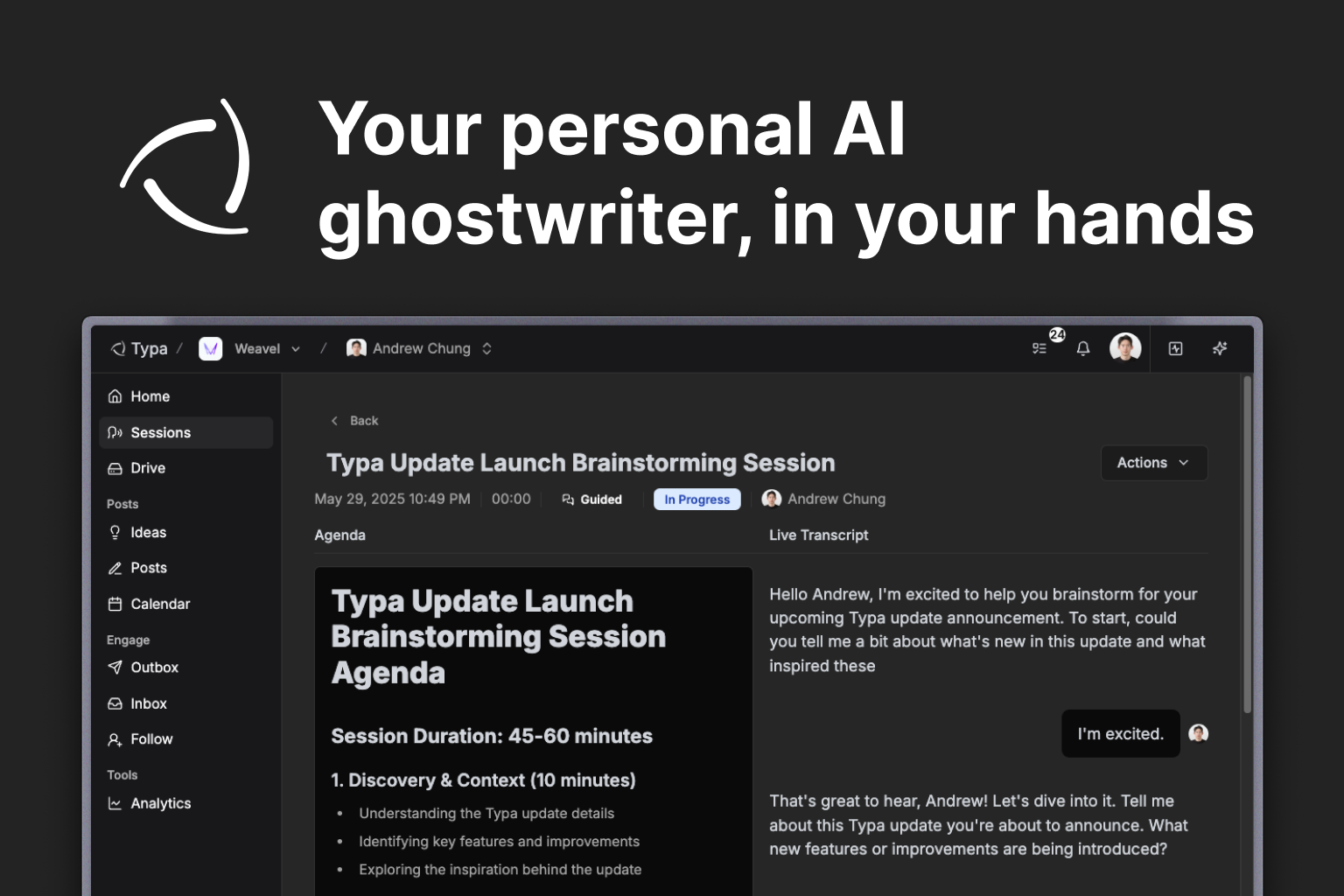
We built a smarter, more proactive agent to manage your social posts - and we're giving you full control.
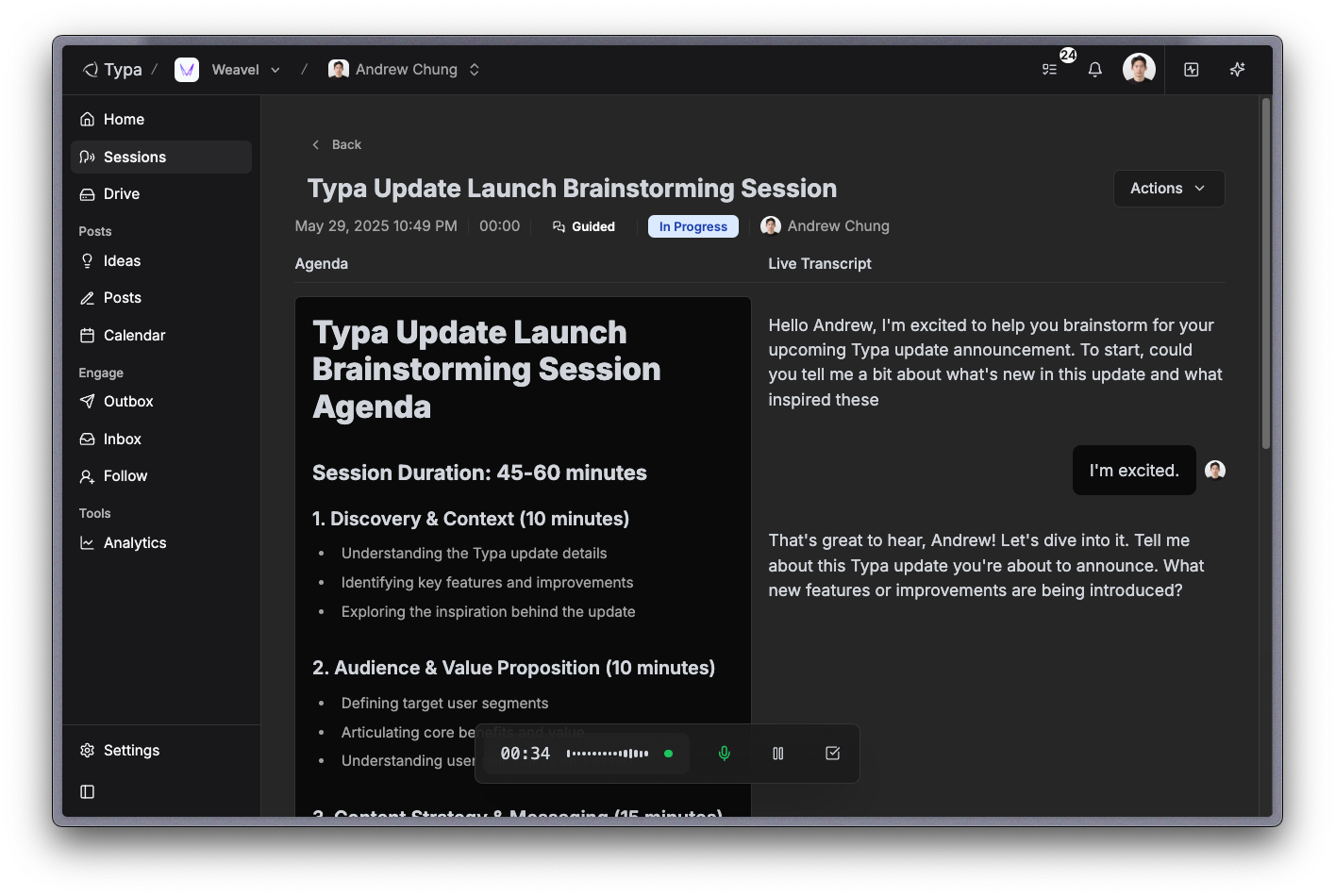
Sessions 🗣️
Guided sessions: Create guided sessions on recent topics (e.g. Google I/O) that you can talk about - Typa will do research then chat with you on the topic.
Solo sessions: Create solo sessions when you feel like doing a thought dump - just talk away by yourself!
Once a session is completed, Typa will automatically start crafting post ideas, which will take around a minute to complete.
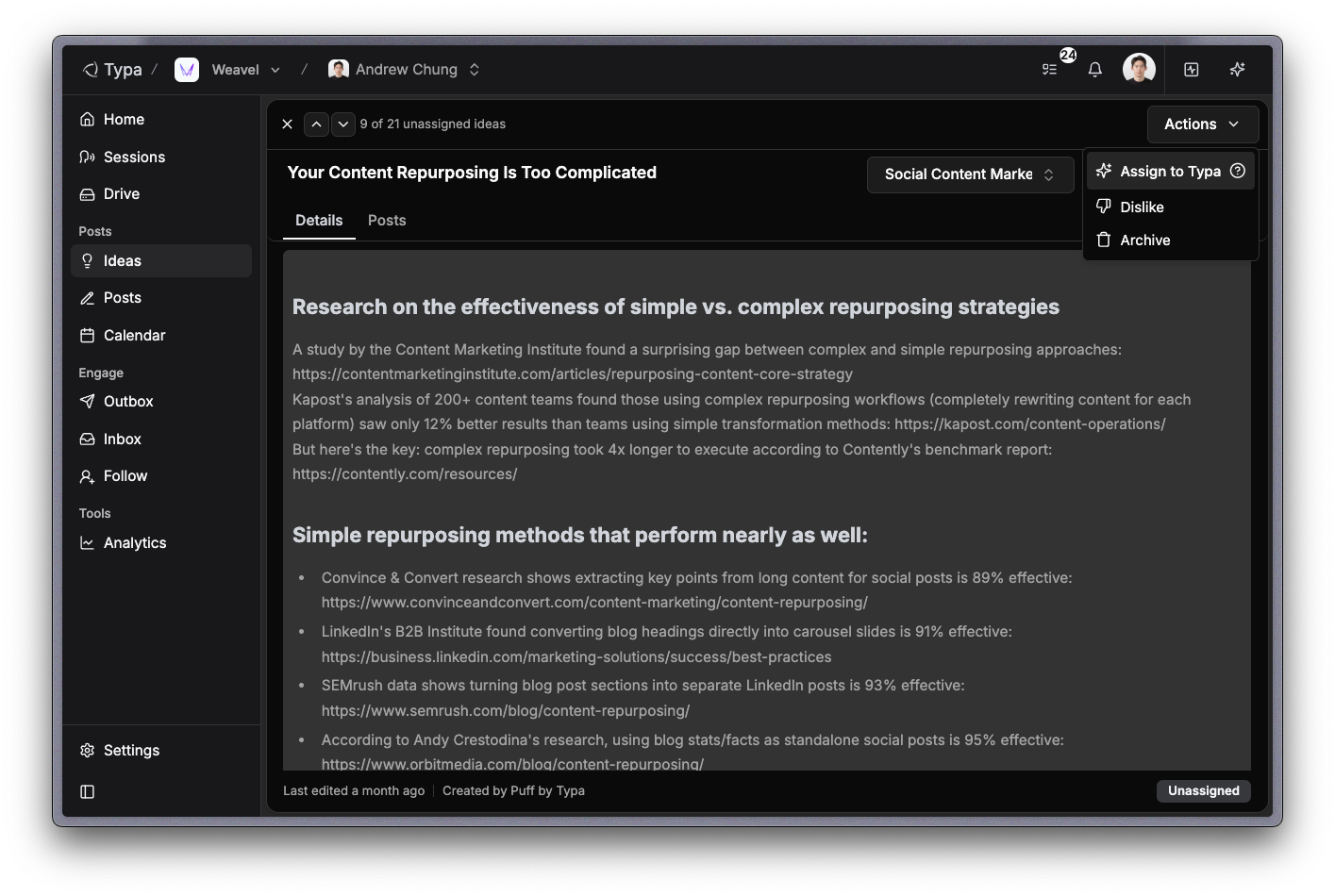
Ideas 💡
We redesigned the ideas page for better readability and easier navigation.
Click Actions > Assign to Typa to prompt Typa to start writing a post draft.
Posts ✍️
We redesigned the posts page for better readability and navigation between posts.
Click "Publish now" to publish the post immediately, or "Next free slot" to schedule the post to the next free slot from your availability settings.
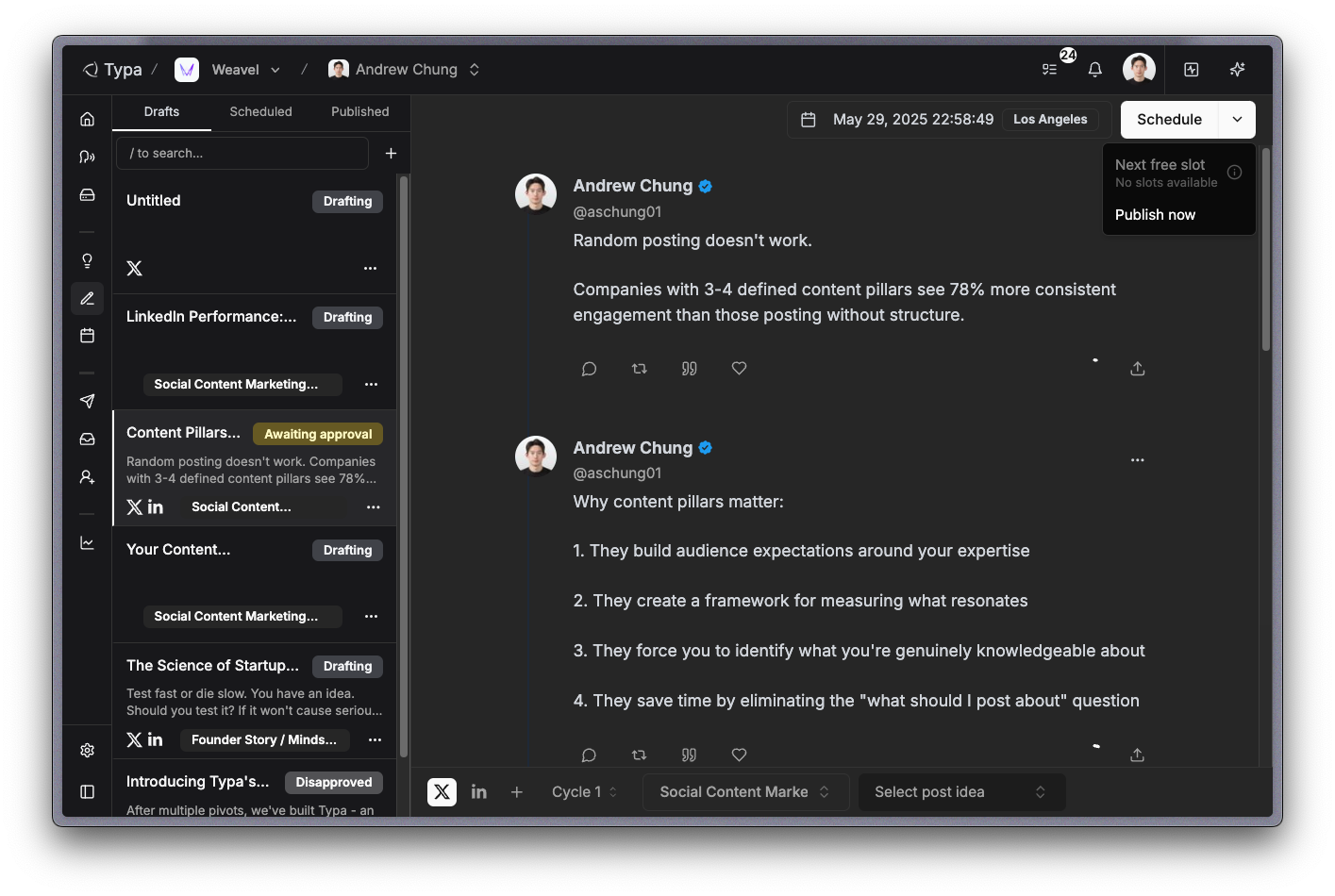
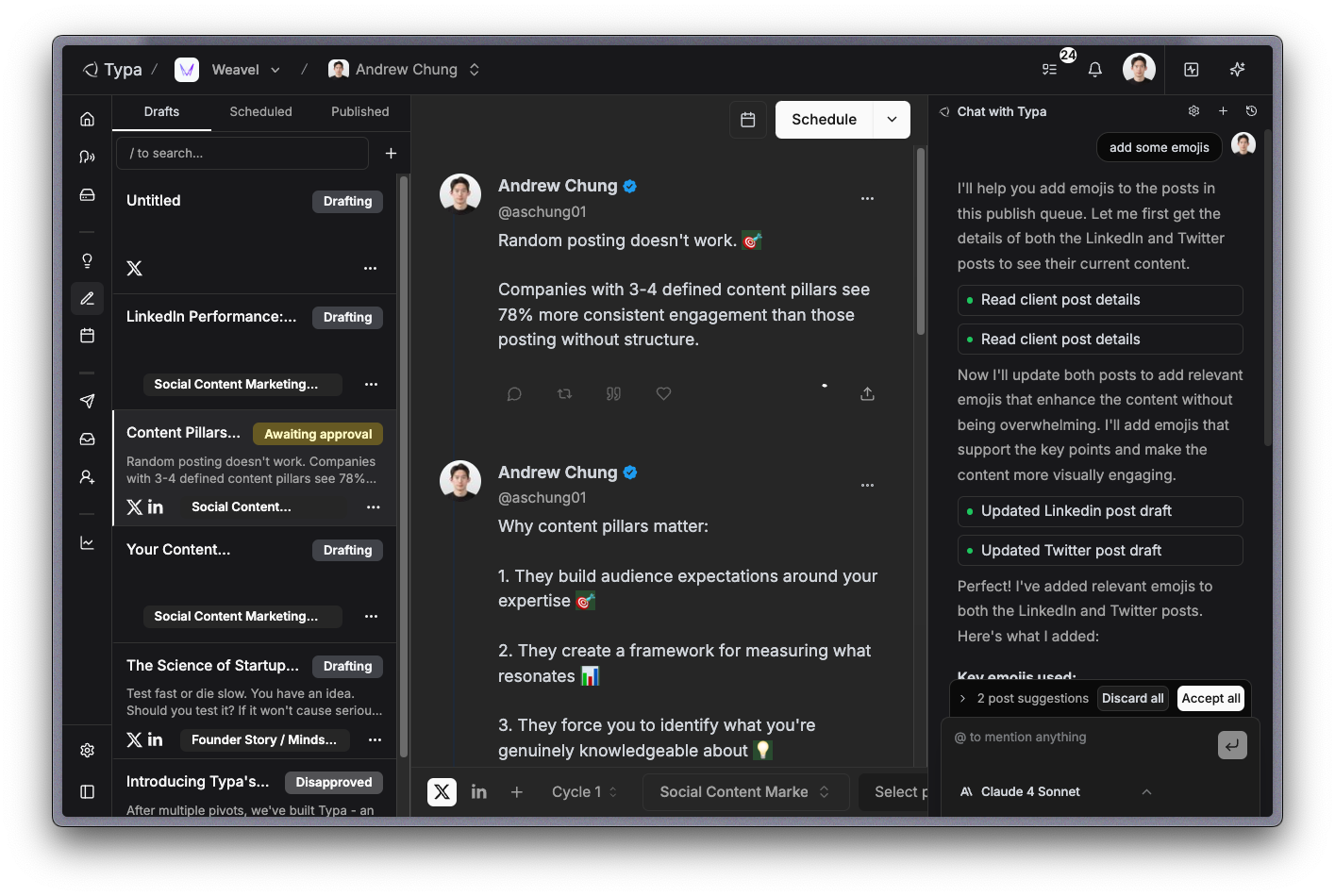
Typa Chat 💬
Open chat by pressing "⌘ + ." or clicking on the toggle button on the top right corner.
Equipped with various useful tools, Typa can create post ideas, new drafts, update drafts, and more.
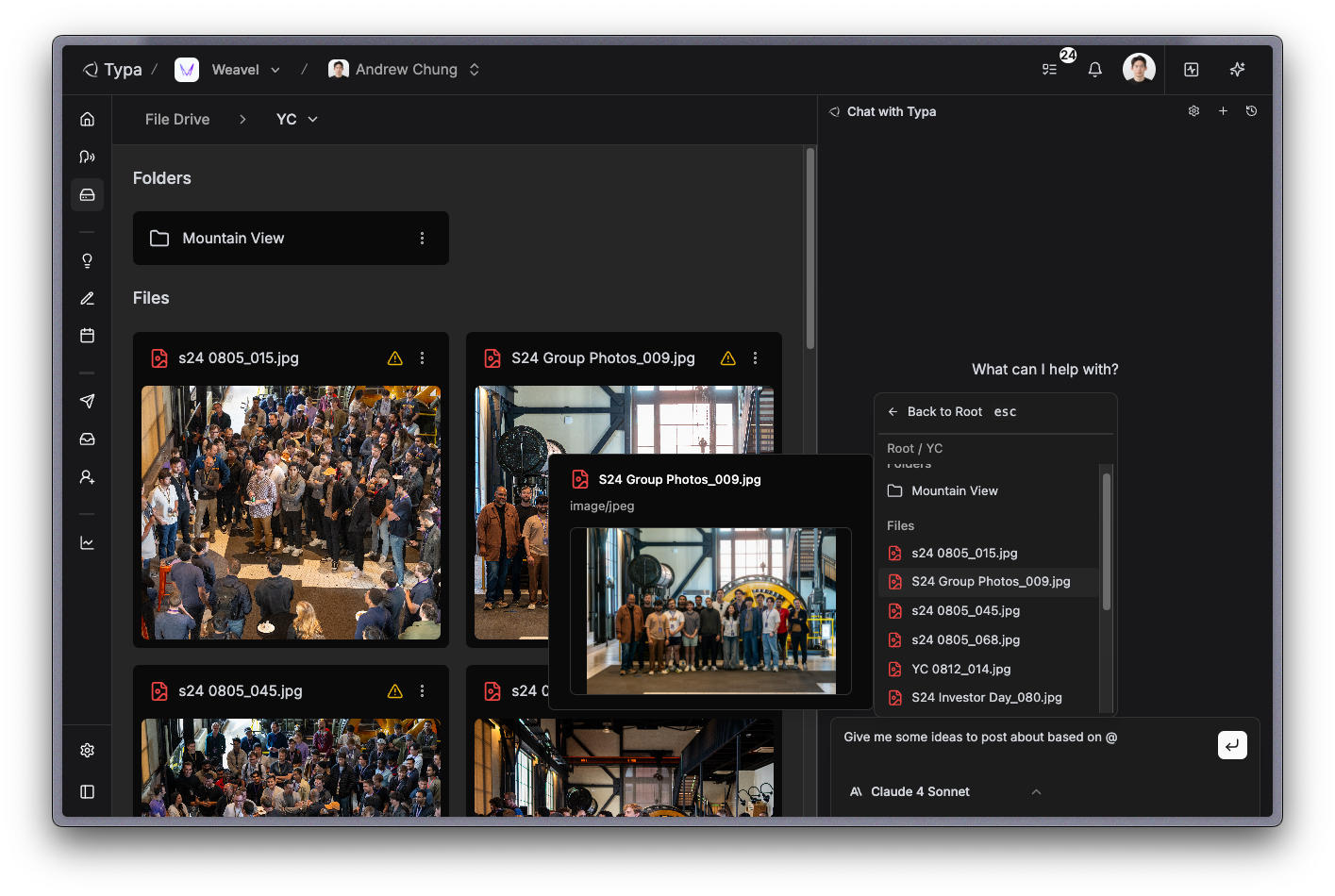
Drive 💾
Upload files of any format (image/audio/video/text) and mention them in Typa chat to create post ideas and drafts.
Even videos and audio longer than an hour are processed accurately - easily create multiple posts from existing content!
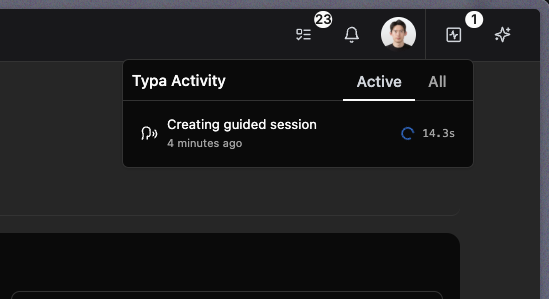
Typa activity
You can view Typa's progress in real-time by clicking on the button right to your profile.
Once Typa is done working on something, the output will be ready for your review - and you can track them in real-time by clicking on the tasks button on the left of notifications.
That's it for now! All early customers of Typa have unlimited free access to all features before further notice. Any feedback and bug reports are welcome 😊