Improved Post Editing & Scheduling Experience
We made posting more easier and efficient. (and fixed a ton of bugs º🐛)
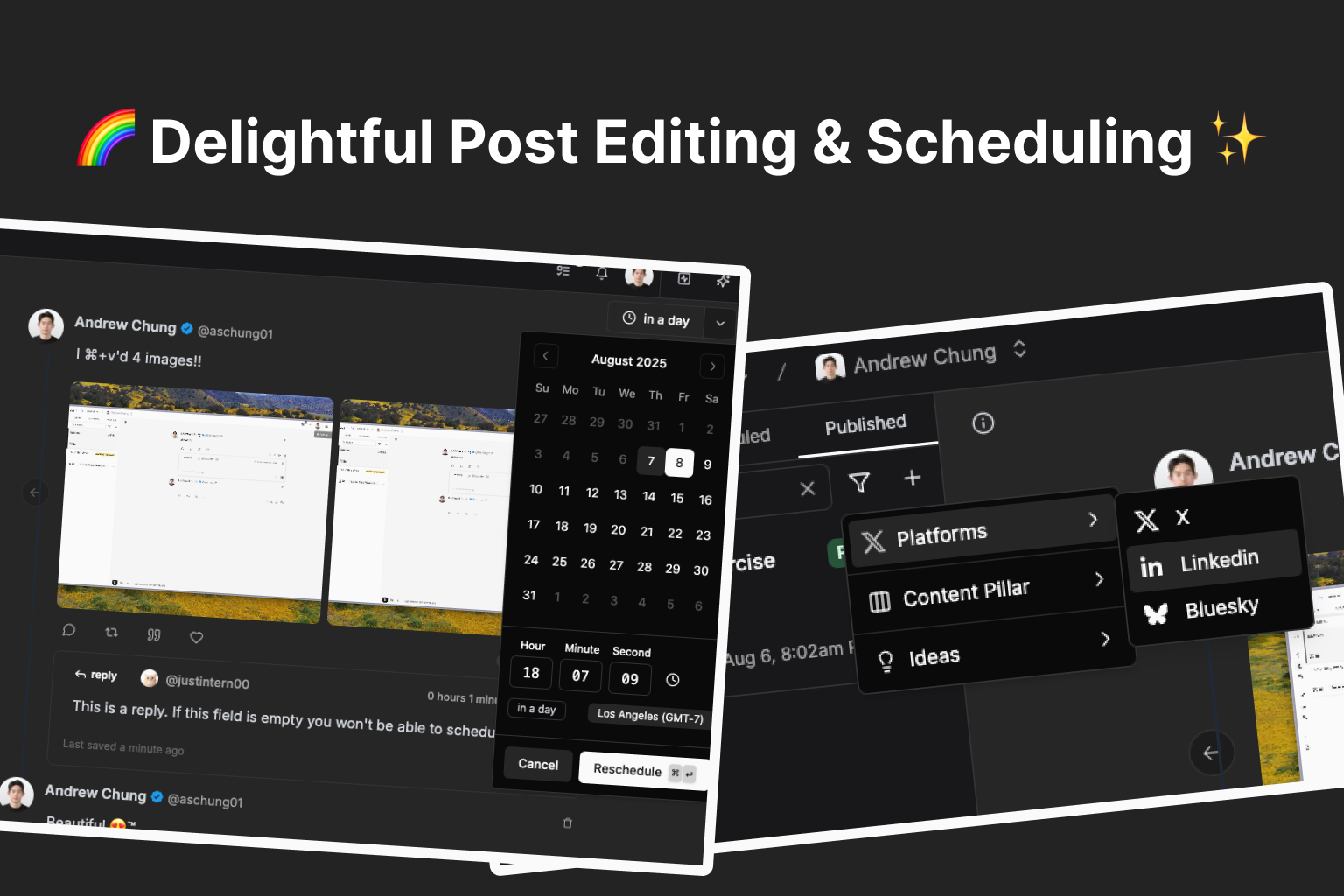
Improved scheduling UI & added rescheduling support
We revamped the post scheduling UI and added support for rescheduling posts.
We moved the datetime picker into a popover that opens when clicking on the Schedule button.
Now you can reschedule posts without unscheduling them first!
Once a post is scheduled, we display the relative time when it’ll be posted on top right button. Click on it and you’ll see the datetime picker popover, where you can update the time and reschedule.
Added filters to posts sidebar, improved search
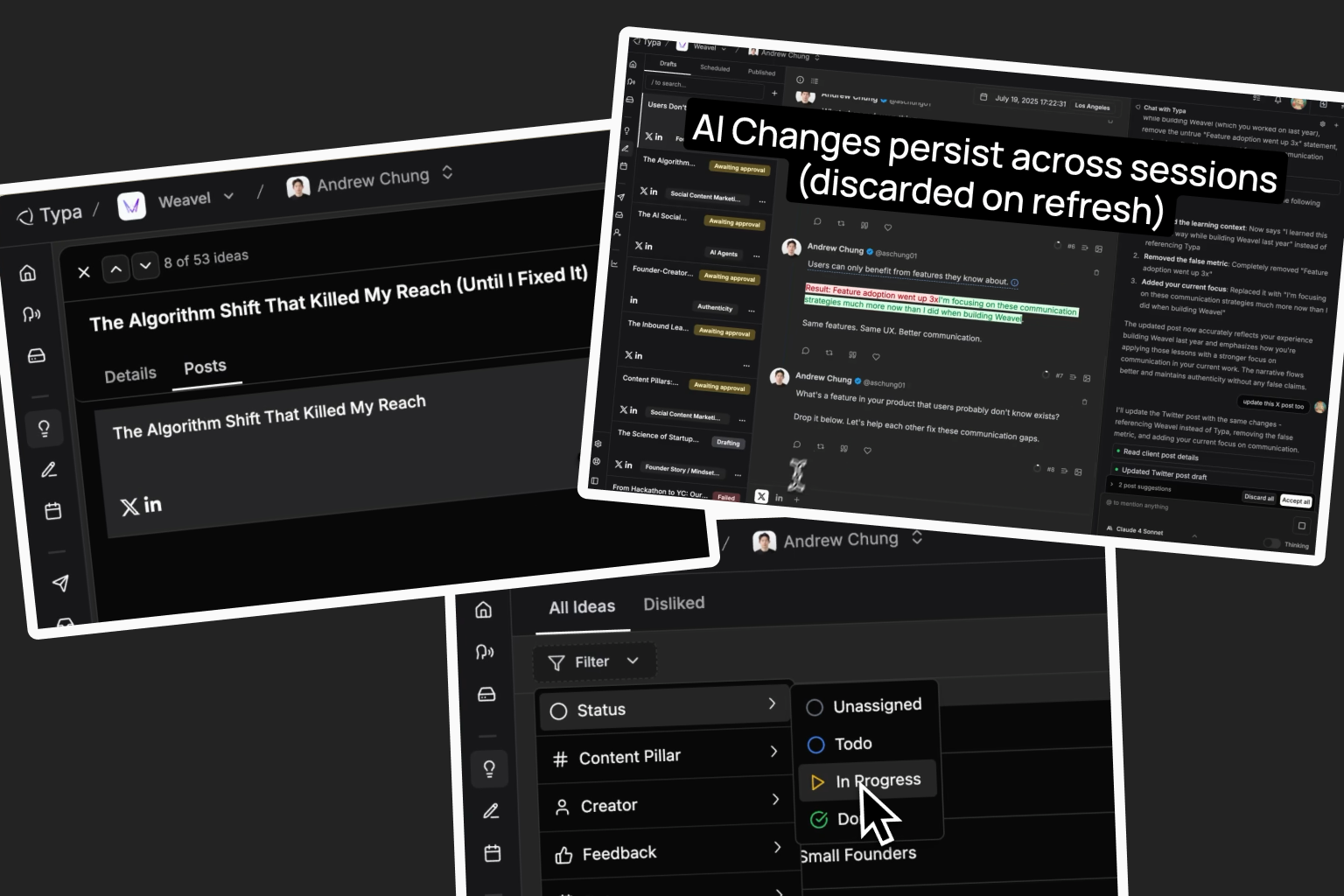
We added filters to the posts sidebar! You can filter posts by platform, content pillar, and post idea.
We improved search performance, — now you can search based on post title, content pillar, and post content.
Improved auto-interaction editor UI
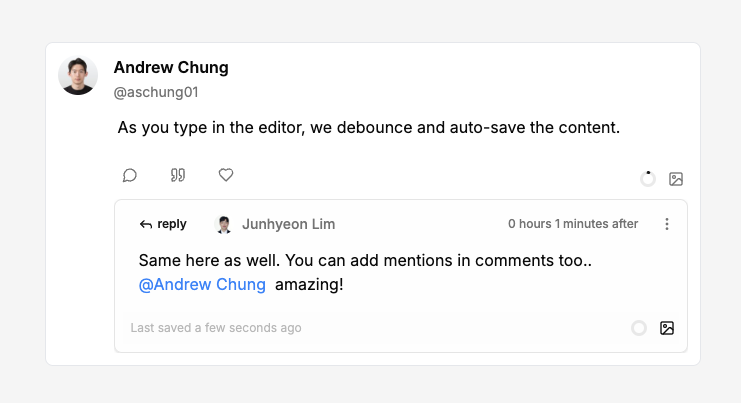
Content validation before scheduling
We added validation logic to ensure whether mentions are properly formatted for each platform, and if all auto-interactions has valid content. The schedule button will be disabled when invalid content is detected.
We fixed a small bug where auto-interactions weren’t being deleted when the parent thread was deleted.
Other minor bug fixes & improvements
You can now attach media to posts by just pasting (
⌘+v) image/videos into the post editor!
When you try to attach media over the platform’s supported limit or unsupported media types, we block it and show you an error toast.
We fixed a bug where media uploaded to posts didn’t show properly before refreshing.